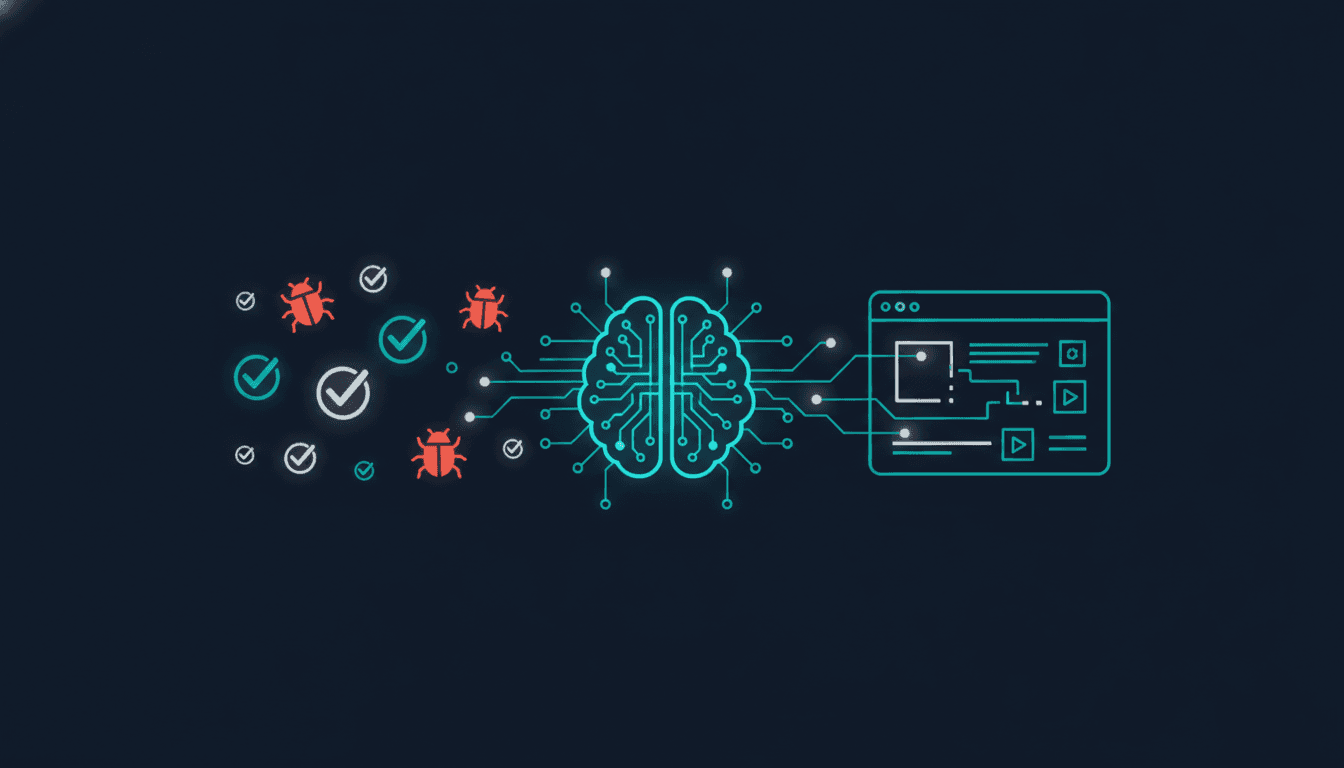
How to Test AI-Generated Code from Cursor, v0 and Copilot
TestOptim AI Team
The team behind TestOptim AI.
AI coding tools have changed the economics of software development. Cursor, v0, GitHub Copilot, and similar tools let developers move from idea to working prototype in hours instead of days. Solo developers now ship products that would have required a team two years ago.
What has not changed is what breaks. Testing AI-generated code requires the same rigour as testing any other code — and in several specific ways, it requires more, because AI tools introduce failure modes that hand-written code typically does not.
Why AI-generated code is harder to test than hand-written code
AI tools generate syntactically correct, locally coherent code very reliably. What they miss is system-level correctness — how the generated code interacts with the rest of the application. There are four specific failure modes to understand:
Context window blindness
Large language models work within a context window. For complex applications, the model generating code may not have visibility into all the components, types, and behaviours its generated code will interact with. The result is code that looks right in isolation but fails at integration points — calling an API with the wrong argument shape, importing a type that has been refactored, or assuming a function signature that changed recently.
Optimistic state assumptions
AI coding tools are trained on codebases where the happy path dominates. Generated code handles the case where the user is logged in, the data exists, the previous operation succeeded. What it under-handles is the inverse: the user is not logged in, the record was deleted, the upstream service timed out. These failure states happen in every production application.
Edge case coverage gaps
AI tools write tests when asked to, but the tests they write tend to mirror the happy path in the implementation. They frequently miss boundary conditions — empty strings, null values, very long inputs, concurrent requests, out-of-order events.
Silent regression introduction
When an AI tool refactors existing code, it may change behaviour in areas that were not the focus of the modification. A prompt like rewrite this function to be more efficient can produce a function that is faster but handles a subtle edge case differently. Without regression coverage, this change is invisible until it fails in production.
The testing gap: why existing approaches fall short
The standard advice — write more tests — does not scale well in an AI-assisted development context. AI tools generate code faster than developers can write tests for it. Many teams using AI coding tools heavily are also small: Cursor and v0 are particularly popular with solo developers and early-stage startups with no QA function.
Autonomous exploration: the right testing model for AI-generated code
The most effective approach is autonomous exploration rather than scripted test cases. Scripted tests verify behaviour you already anticipated — the same happy path the AI handled correctly. They do not find the edge cases the AI missed, because you are thinking about the same scenarios the AI thought about.
An AI exploration agent navigates the application without a predefined script — clicking links, submitting forms, trying unusual input combinations, following unexpected paths. It finds the edge cases that neither you nor the code-generating AI anticipated, because it is not starting from the same mental model.
This is particularly valuable for vibe-coded applications — projects built primarily through AI prompting where the developer has less detailed knowledge of the internal code. Autonomous exploration tests the application, not a model of the application.
Specific test areas for AI-generated code
Authentication and session flows
AI-generated authentication code handles the primary login case reliably. What it frequently misses: password reset with an expired token, login when a session is already active, access control after role changes, and OAuth error handling when the provider returns an unexpected response. Test every branch of every auth flow explicitly.
Form validation under adversarial input
AI-generated forms validate the expected input types. They frequently miss boundary cases: the empty string that differs from null, inputs that exceed database field length limits, special characters that break a regex, Unicode characters that trigger encoding issues. Run all form fields with empty, null, maximum-length, and special character inputs.
API integration failure paths
AI-generated API client code assumes the happy path: the API returns 200, the response shape matches expectations, the request completes within the timeout. Test what actually happens when the API returns 401, 422, or 500, and when the request times out. These error paths are where AI-generated code most commonly produces unhandled exceptions.
Post-refactor regression
Every time you use an AI tool to refactor existing code, run your full regression suite immediately. Refactoring is the highest-risk operation in an AI-assisted workflow because the model may change shared utilities or behavioural contracts that other parts of the codebase depend on. Self-healing tests are particularly valuable here — they adapt automatically when AI refactoring changes the DOM structure.
Setting up continuous testing for AI-assisted development
- Connect your staging environment to an exploration agent and trigger a run on every deploy. In an AI-assisted workflow where code changes frequently, this is the primary regression safety net.
- Write critical-path tests in natural language as you build features. When you ship a login flow with AI assistance, write a one-sentence description of what it should do. This becomes an executable test case.
- Enable self-healing for UI tests. AI tools tend to restructure the DOM more frequently than hand-written code, especially during refactoring. Self-healing tests adapt to these structural changes without manual intervention.
- Set up a GitHub webhook to trigger exploration on every merged pull request. This integrates testing into the existing code review workflow.
The vibe coding quality gap
Vibe coding — describing what you want and letting an AI build it iteratively — produces working software at remarkable speed. It also produces software where the developer's mental model of what the code does is often shallower than for hand-written code. This creates a specific testing need: coverage that does not rely on the developer's mental model.
Autonomous exploration fills this gap precisely. It navigates the application and reports what actually happens, without assuming the developer understands every generated function's edge cases. As AI coding tools become more widely used, the testing approaches that match are ones that are also autonomous. Human-written test cases cannot keep pace with AI-generated code. Automated exploration can.
Frequently asked questions
Is AI-generated code more buggy than hand-written code?
Not necessarily more buggy overall, but differently buggy. AI-generated code handles the happy path reliably and tends to fail at edge cases, error states, and integration boundaries. The testing approach needs to account for where AI-generated code specifically tends to under-cover.
Do AI coding tools generate tests automatically?
Yes, most AI coding tools can generate test files when prompted. The limitation is that the generated tests mirror the implementation's assumptions — they test the happy path that the implementation handles. They do not independently discover edge cases. Autonomous exploration complements AI-generated tests by covering what the tests do not anticipate.
How do you test a vibe-coded application?
Start with autonomous exploration rather than scripted tests. Connect the application to an AI exploration agent that navigates it without prior assumptions and reports unexpected behaviour. This surfaces the issues that neither you nor the AI code generator anticipated. Layer in natural language tests for critical flows once the initial exploration reveals the application shape.
What is the biggest risk of shipping AI-generated code without testing?
The highest-risk failure mode is silent regression introduction during AI-assisted refactoring. When an AI tool rewrites existing code, it can change behaviour in areas that were not the intended focus — and without test coverage, these changes are invisible until they produce a production failure. Continuous automated testing on every deploy is the primary mitigation.
Testing AI-generated code does not require a QA team or extensive manual effort. Start free with TestOptim AI and run your first autonomous exploration — the first report typically surfaces issues no one anticipated.
Related Articles

The Real Cost of Manual Regression Testing in 2026
Most engineering teams underestimate what manual regression testing actually costs. Here is how to calculate your real number — and what to do once you have it.
Read MoreQA Testing Without a QA Engineer: A Complete Guide
Most software teams ship without a dedicated QA engineer. This guide shows how to build a real QA system using AI exploration, self-healing tests, and CI/CD automation — without hiring anyone.
Read More
Self-Healing Tests: How AI Fixes Broken Selectors Without Human Intervention
Self-healing tests use AI to automatically repair broken selectors when your UI changes. Instead of failing and requiring manual fixes, they adapt in ~120ms and continue running. Here is how the technology works.
Read More