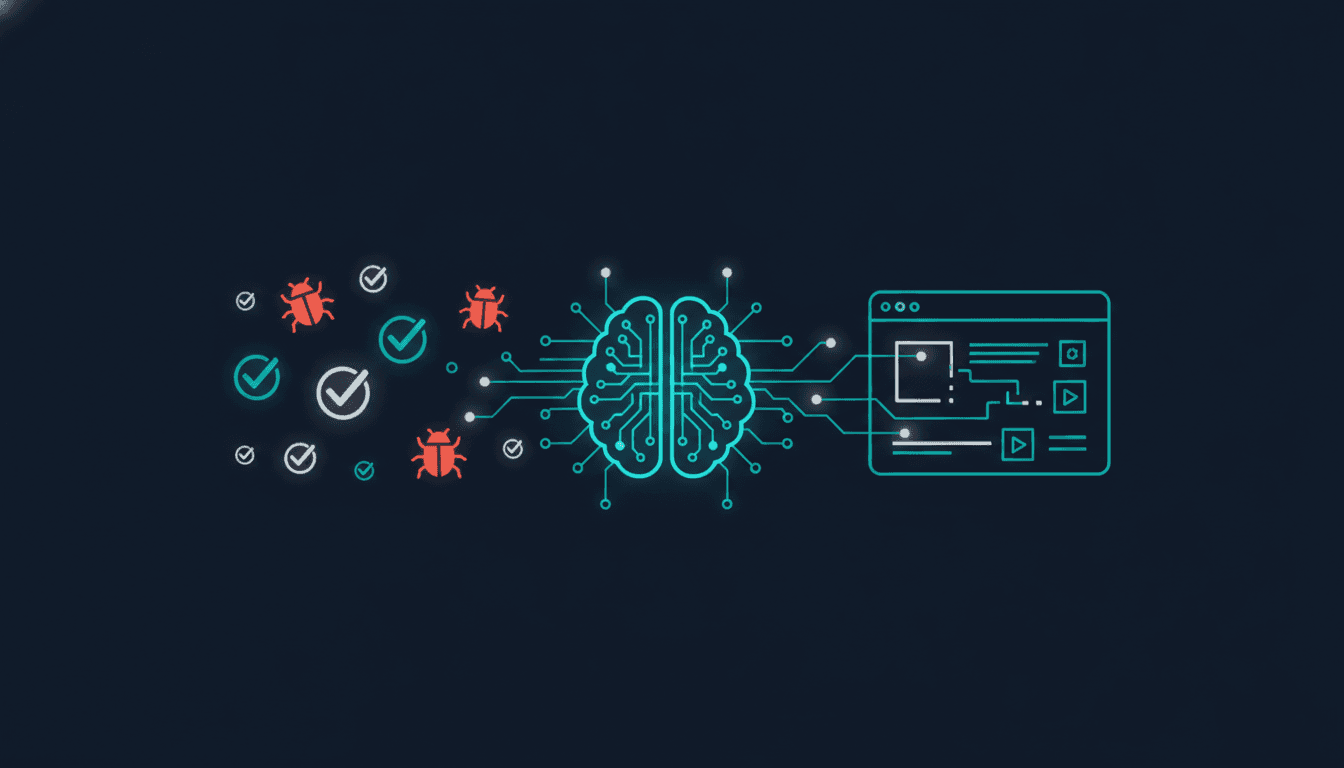
QA Testing Without a QA Engineer: A Complete Guide
TestOptim AI Team
The team behind TestOptim AI.
The majority of software engineering teams — especially those under 50 people — do not have a dedicated QA engineer. Industry surveys consistently put that figure above 60%. The default response is to ask developers to test their own code, which creates a well-documented blind spot: developers test what they built against what they intended, not against what users actually do.
This guide covers how to do QA testing without a QA engineer using AI-powered tools that handle the work a human QA role would otherwise own — exploration, regression, bug reporting, and test maintenance.
Why developer-led QA fails at scale
Developer-led QA works when the product is small and the team knows every corner of it. It breaks down as the product grows for three reasons:
- Cognitive bias — developers test the happy path because that is the path they designed. Edge cases, empty states, and error flows get less attention.
- Time pressure — when a release is due, QA is the first thing cut. No one's job depends on it the way a QA engineer's does.
- Scope blindness — as a codebase grows, no single developer has full visibility into what could break when something changes. Regression testing requires comprehensive coverage, not spot checks.
The result is a cycle most engineering leaders recognise: a new feature ships, something else breaks, a bug reaches production, the team scrambles to fix it. The cost is not just the fix — it is customer trust, engineering context switches, and debugging hours that regression testing would have prevented in minutes.
What a QA engineer actually does and what replaces each function
| QA function | Automated equivalent |
|---|---|
| Exploratory testing | AI exploration agent |
| Regression testing | Automated test suite + CI/CD triggers |
| Test case writing | Natural language test authoring |
| Bug reporting | AI-generated reports with screenshots and reproduction steps |
| Test maintenance | Self-healing tests |
AI exploration: replacing the exploratory tester
Exploratory testing — navigating an application without a predefined script to find unexpected behaviour — is historically the hardest QA function to automate. A human tester brings intuition, curiosity, and the ability to notice when something feels wrong even if nothing technically failed.
AI exploration agents now replicate this. Instead of following a script, they navigate the application autonomously: clicking links, submitting forms, trying input combinations, following user flows. When something fails or behaves unexpectedly, the agent logs it with a severity score, the steps that led to the failure, and a screenshot.
Critically, AI exploration does not require you to tell it what to test. It maps the application on first run and covers it systematically. Subsequent runs focus on areas that changed since the last deploy, which means coverage stays current without anyone updating a test plan.
TestOptim AI's exploration agent runs this way. Connect it to your staging environment and it produces an initial bug report within minutes — typically surfacing issues no one on the team knew existed.
Self-healing tests: solving the maintenance problem
The main reason small teams do not invest in automated testing is not the upfront cost — it is the ongoing maintenance burden. Traditional test automation frameworks (Selenium, Cypress, Playwright) require test scripts that reference specific DOM elements. When the UI changes — a button moves, a class name is updated, an element is restructured — the test breaks and someone has to fix it.
Studies of teams using traditional automation put test maintenance at 30–40% of the ongoing engineering effort invested in testing. For a team shipping weekly, this can easily exceed the time saved by having the tests at all.
Self-healing tests eliminate this. When a test fails because a UI element has changed position or identifier, the self-healing system detects the change, locates the element in its new form, and updates the test automatically. The test passes on the next run with no manual intervention required.
Natural language testing: removing the technical barrier
One persistent problem with test automation is that writing tests requires engineering skill. If the only people who can write tests are developers, and developers are already stretched, the test suite stays thin.
Natural language test authoring removes this constraint. A product manager can describe a test scenario in plain English — log in as a free-tier user, navigate to billing, confirm the upgrade button is visible — and the system translates it into an executable test case. No code required. This distributes the testing workload to product managers, designers, and customer support staff who know what the product should do but cannot write Playwright.
CI/CD integration: making it continuous
All of the above is meaningless if tests only run when someone remembers to trigger them. A GitHub webhook can trigger an exploration run on every push to a protected branch or every merged pull request. If the exploration finds critical issues, the build is flagged. If everything passes, deployment continues. For teams without a QA engineer, this is the most important infrastructure decision — there is no human gatekeeper before a release, so the pipeline becomes that gatekeeper.
A practical setup for a team of 2 to 10 engineers
- Connect your staging environment to an AI exploration agent. Run the initial exploration and review the report. This baseline typically surfaces 3–8 issues no one knew about.
- Set up a GitHub webhook to trigger exploration on every merged PR. This takes under 15 minutes and is the highest-leverage automation investment available.
- Write 5–10 critical-path tests in natural language: your login flow, your core feature, your conversion event. These are the things that cannot break before a release.
- Enable self-healing so tests adapt automatically as the UI evolves. Review the weekly change log to stay aware of what adapted.
- Connect bug reporting to Jira or Slack so findings surface in your existing workflow rather than requiring someone to check a separate dashboard.
When you actually do need a QA engineer
This system works well for standard web applications. It is not the right solution for regulated industries that require documented human sign-off, hardware integration that cannot be browser-automated, deep usability research, or adversarial security testing. For everything else — regression coverage, exploratory testing, CI/CD quality gates, bug reporting — the automated system handles it.
Frequently asked questions
Can AI really replace a QA engineer?
For regression testing and exploratory coverage of web applications, AI tools now handle the core functions effectively. What they do not replace is the judgment, product knowledge, and stakeholder communication a senior QA engineer brings to complex projects. For most startups and small teams, the automated system covers what is needed at this stage.
How long does it take to set up automated QA without a QA engineer?
An initial exploration run can be triggered within minutes of connecting your app. A complete CI/CD-integrated setup typically takes two to four hours for a standard web application.
What is the cost of not having a QA engineer?
The direct cost is bugs reaching production. A production bug typically costs 5–10x as much to fix as a bug caught in testing, due to context switching, investigation, hotfix deployment, and customer impact triage. This multiplier makes regression coverage a high-ROI investment even for small teams.
How does AI exploration find bugs without knowing what to look for?
AI exploration agents map every accessible path in the application, submit forms with varied input, and monitor for unexpected responses — errors, broken layouts, missing data, navigation failures. They do not need a predefined test case because they are exploring and reporting what they find, not testing against a specification.
Ready to build a QA system without a QA engineer? Start free with TestOptim AI — no credit card required, first exploration run in minutes.
Related Articles
How to Test AI-Generated Code from Cursor, v0 and Copilot
AI coding tools ship code fast but do not test it. Here is how to systematically test AI-generated code from Cursor, v0, Copilot, and similar tools — and the specific failure modes to watch for.
Read More
The Real Cost of Manual Regression Testing in 2026
Most engineering teams underestimate what manual regression testing actually costs. Here is how to calculate your real number — and what to do once you have it.
Read More
Self-Healing Tests: How AI Fixes Broken Selectors Without Human Intervention
Self-healing tests use AI to automatically repair broken selectors when your UI changes. Instead of failing and requiring manual fixes, they adapt in ~120ms and continue running. Here is how the technology works.
Read More