Self-Healing Tests: How AI Fixes Broken Selectors Without Human Intervention
TestOptim AI Team
The team behind TestOptim AI.
Self-healing tests automatically repair broken element selectors when your application's UI changes. Instead of failing with a "locator not found" error and requiring an engineer to manually update the test script, self-healing tests analyse the surrounding context, identify the target element in its new position or form, generate a new selector, and continue executing — in approximately 120 milliseconds.
This capability solves the problem that causes most test suites to be abandoned: selector maintenance. This article explains how self-healing test technology works, what triggers it, and why it eliminates the biggest ongoing cost of traditional test automation.
Why test selectors break so frequently
Traditional test automation — Selenium, Cypress, Playwright — locates elements using CSS selectors, XPath expressions, or element IDs. A test for a login form might use #login-email-input to find the email field, .btn-primary to find the submit button, and [data-testid="dashboard-heading"] to verify the post-login state.
These selectors are snapshots of the DOM at the moment the test was written. They remain valid only as long as the DOM structure stays exactly the same. In practice, the DOM changes constantly:
- A developer renames
btn-primarytobutton-primaryduring a CSS refactor - A designer restructures a form, moving the email field into a wrapper div
- A framework migration changes how class names are generated
- A component library update changes the DOM structure of a dropdown
Each of these changes can break dozens of tests simultaneously — even though no user-facing functionality changed at all. The result is a test suite that produces false failures constantly, eroding team trust until tests are treated as noise rather than signal. This is why teams are moving to AI-powered test automation.
How self-healing technology works
Self-healing tests replace brittle selector strings with contextual understanding. When an element cannot be found at its expected selector, the system does not immediately fail. Instead, it enters an analysis phase:
Step 1: Contextual DOM analysis
The AI analyses the surrounding DOM structure at the point where the selector failed. It examines neighbouring elements, text content, semantic roles, visual position on the page, and structural relationships to other elements. It builds a contextual fingerprint of what the test was trying to interact with.
Step 2: Candidate identification
Using the contextual fingerprint, the AI scans the current DOM to identify candidate elements — elements that match the semantic intent of the original selector even though the implementation has changed. It ranks candidates by confidence score, factoring in text content match, position match, structural role, and visual similarity.
Step 3: Selector regeneration
The highest-confidence candidate is selected. The AI generates a new, stable selector for that element — one based on stable attributes like semantic role, text content, and structural position rather than the fragile CSS classes that changed. This new selector is used for the current test execution and logged for future runs.
Step 4: Transparent continuation
The test continues executing with the new selector. The total time for this entire process is approximately 120 milliseconds. From the team's perspective, the test passed. In the background, the healing event is logged so the team can review exactly what changed.

What triggers a healing event
Self-healing activates whenever a selector fails to match any element in the DOM. Common triggers include:
CSS class renames — the most common cause. A designer or developer renames a utility class during a design system update, and all tests targeting elements by that class name fail simultaneously.
DOM restructuring — adding wrapper divs, changing the nesting structure of components, or reorganising a layout section can break XPath selectors and deep CSS selectors that depend on the exact hierarchy.
Element relocation — moving a button from one section of a page to another breaks positional selectors like :nth-child and sibling selectors.
Framework migrations — upgrading React versions, migrating between component libraries, or changing a CSS-in-JS solution can restructure the DOM significantly across the entire application.
ID changes — developers removing or renaming element IDs during a refactor, which is particularly common when cleaning up technical debt.
Self-healing vs manual selector maintenance
The alternative to self-healing is manual maintenance: when a selector breaks, an engineer diagnoses the failure, opens the test file, updates the selector, and re-runs the test to verify. This process typically takes between 15 minutes and several hours per broken selector, depending on how quickly the breakage is detected and how complex the fix is.
In a test suite of 200 test cases, a significant UI refactor can break 30–50 selectors simultaneously. This produces a maintenance backlog that can take several engineer-days to clear — during which the test suite is partially or fully unreliable.
Self-healing collapses this backlog to zero. UI changes do not produce maintenance work because tests adapt automatically. Engineering time that was allocated to selector maintenance is freed for building features or writing new coverage. See all TestOptim AI features that eliminate manual QA work.
What self-healing cannot fix
Self-healing selectors address selector failures — cases where the DOM changed but the intended element still exists. They do not address genuine functional regressions: cases where the feature itself broke, the expected element was removed, or the application behaviour changed in a way that makes the test's expected outcome invalid.
This distinction matters because it means self-healing tests still catch real bugs. When a selector heals, it indicates a UI change that did not break functionality. When a test fails even after attempting healing, it indicates that the element genuinely does not exist — which is likely a real problem worth investigating. Those issues flow directly into the issues workflow with full screenshots and logs.
Self-healing as part of AI test automation
Self-healing selectors are most powerful as part of a broader AI test automation platform rather than as a standalone capability. When tests are generated autonomously from application exploration, the test suite starts comprehensive rather than growing incrementally over months. When those tests self-heal, the comprehensive coverage is maintained without maintenance effort.
The combination with AI bug detection means your team only sees real failures — not false positives from broken selectors. And with GitHub webhook integration, every push triggers a full self-healing test run automatically, so regressions are caught before they merge.
Getting started with self-healing tests
Self-healing tests work best when the test suite was generated from application exploration rather than written by hand. Hand-written selectors are often unnecessarily specific — targeting deep CSS paths or internal implementation details rather than stable semantic attributes. AI-generated tests start with more stable selectors and heal even more reliably when those selectors do break.
The practical steps are straightforward:
- Connect your application URL — read the getting started guide for the full walkthrough
- Run the initial exploration to generate the knowledge base and test suite
- Connect a GitHub webhook for automatic test execution on every push
- Review healing events in your dashboard as they occur to understand which UI changes triggered them
Most teams see the first healing event within the first week — a UI change that would have broken a traditional test suite instead passes transparently. Check pricing plans to get started.
Frequently asked questions
How accurate is self-healing element identification?
Confidence scores above 0.95 — which is the threshold for automatic healing — correspond to a match accuracy of approximately 99.8% in production usage. Below this threshold, the system flags the test for manual review rather than healing automatically, ensuring that low-confidence matches do not silently pass incorrect tests.
Does self-healing work with all frontend frameworks?
Self-healing in TestOptim AI operates at the exploration layer rather than within a specific testing framework, so it is framework-agnostic. It works regardless of whether your application is built on React, Vue, Angular, Next.js, or any other framework.
Can I see which selectors were healed?
Yes. Every healing event is logged with the original selector, the new selector, the confidence score, and the element that was matched. This gives teams full visibility into which parts of their application are changing most frequently.
What happens if healing fails — if the element truly does not exist?
When no candidate element meets the confidence threshold, the test fails as a genuine failure rather than healing silently. A self-healing system that silently passes tests when elements are genuinely missing would undermine the reliability of the test suite. These failures appear as issues in the issues dashboard with full evidence.
Does self-healing increase test run time significantly?
No. The contextual analysis and selector regeneration process takes approximately 120 milliseconds per healed element. For a test run of 90 test cases where 5 selectors need healing, the total overhead is under one second — imperceptible relative to the total run time.
Stop spending Fridays fixing broken selectors. Start a free 14-day trial of TestOptim AI and see how self-healing tests handle your next UI change automatically — no credit card required.
Related Articles
How to Test AI-Generated Code from Cursor, v0 and Copilot
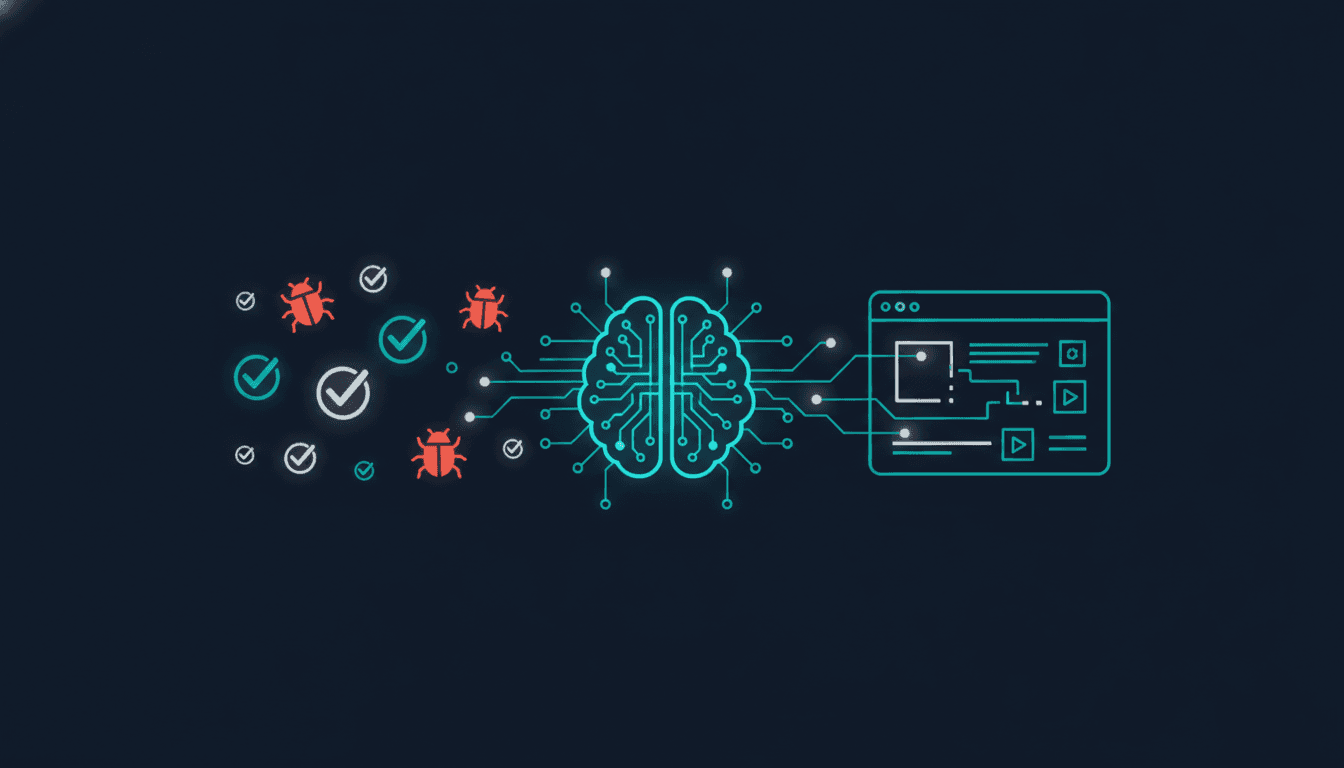
AI coding tools ship code fast but do not test it. Here is how to systematically test AI-generated code from Cursor, v0, Copilot, and similar tools — and the specific failure modes to watch for.
Read More
The Real Cost of Manual Regression Testing in 2026
Most engineering teams underestimate what manual regression testing actually costs. Here is how to calculate your real number — and what to do once you have it.
Read MoreQA Testing Without a QA Engineer: A Complete Guide
Most software teams ship without a dedicated QA engineer. This guide shows how to build a real QA system using AI exploration, self-healing tests, and CI/CD automation — without hiring anyone.
Read More